HumHealth Mobile App for Patients and Care Teams

One app for patients and care teams. Patients take readings and follow their care plan, while care teams review vitals, act on alerts and reach patients by video or text.
Download the HumHealth app on the App Store Get the HumHealth app on Google Play

Are you a patient? For help with your device or the HumHealth app, please contact your doctor's office.

FOR CARE TEAMS

Manage Patients, Vitals and Care Plans From Your Phone

Care teams can follow up with patients, act on alerts and keep records up to date while away from the desk.

  • Vitals and Alerts

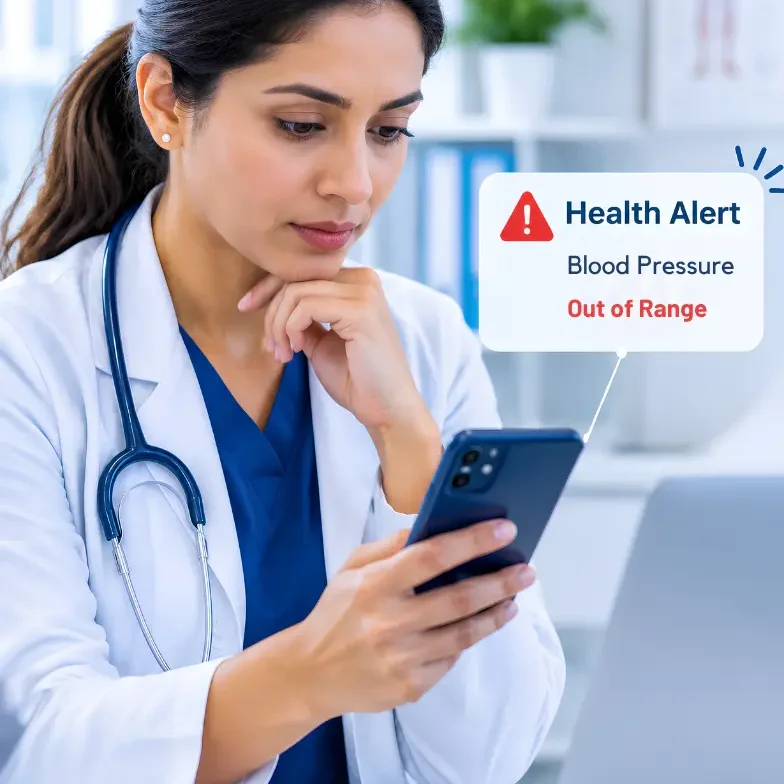
    Review vitals and get an alert notification when a patient's reading falls outside the designated normal range.

  • Review Care Plans

    Open any patient's care plan to see goals, problems and progress before you reach out to them.

  • Video Call Patients

    Start a video visit from your phone to check in, review readings and follow up with patients.

  • Text Message Patients

    Send and receive text messages with patients to answer questions between scheduled calls.

  • Educate Patients

    Send educational materials to a patient's app to support their condition and their care plan.

  • Document Notes

    Add documentation and notes from your phone, so every patient interaction is on the record.

FOR PATIENTS

A Mobile App That Patients Can Use Every Day

Patients see everything their care team needs them to do in one simple app, from today's readings to their next care call.

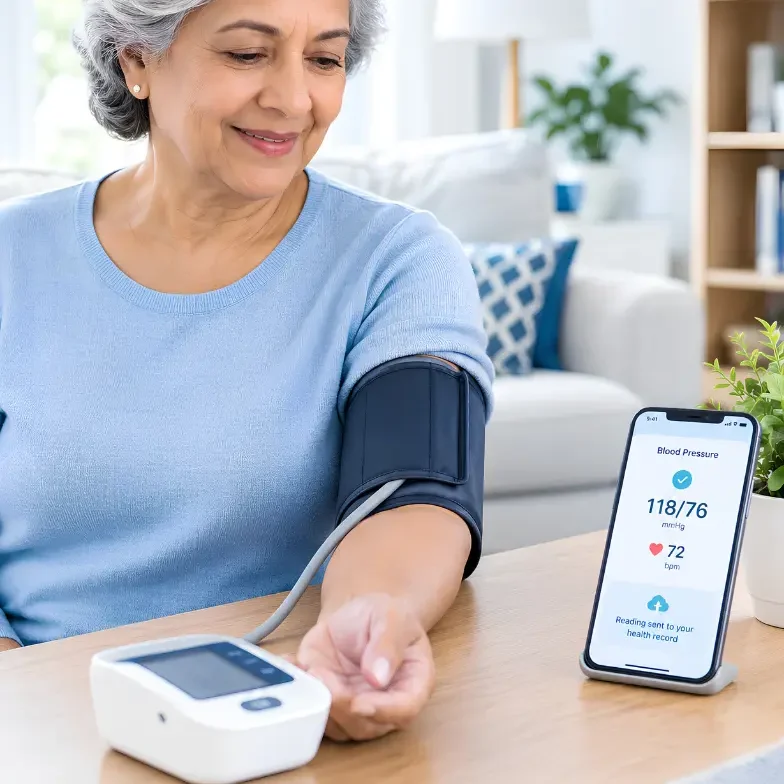
  • Take Readings at Home

    Pair HumHealth Bluetooth devices and send blood pressure, glucose, weight and SpO2 readings.

  • View Your Care Plan

    See the goals, tasks and instructions your care team sets, and follow your progress each day.

  • Answer Assessments

    Complete the assessment questions your care team sends, right from your phone while at home.

  • Get Care Call Reminders

    Receive a reminder before each scheduled care call, so you're ready when your team calls.

  • Medication Reminders

    See your prescribed medications and set reminders for over-the-counter medicines as well.

  • Talk to Your Care Team

    Join video calls and reply to text messages from your care team without leaving your home.

4G DEVICE SETUP

Add a 4G Device to a Patient With One QR Scan

No serial numbers to type and no support ticket. Care teams link a HumHealth 4G device to the right patient from the app in seconds.

  1. 1

    Open the patient profile

    Find the patient in the app and choose to add a new device.

  2. 2

    Scan the device QR code

    Point the phone camera at the QR code on the 4G device.

  3. 3

    Readings start flowing

    The device is linked, and its readings go to that patient's chart.

Patients who use several devices can also use the HumHealth 4G Gateway Hub.

NEW · AI FOOD EVALUATION

Snap a Meal, and Your Care Team Sees the Nutrition

Patients take a photo of their meal in the HumHealth mobile app. HumHealth AI identifies each food item and estimates the portion, calories, carbohydrates, protein and fat, then sends the meal to the care team to review alongside the patient's glucose readings.

  1. 1Snap the mealOne photo in the app, with no manual food logging. Simple for older patients.
  2. 2AI reads the plateEach food item is listed with its estimated portion, calories, carbs, protein and fat.
  3. 3Care team reviewsMeals appear in HumHealth with the patient's glucose details, ready to evaluate.
  4. 4Personalized guidanceThe care team adds notes and gives each patient diet recommendations.

Nutrition values are AI estimates to support care team review. They are not a diagnosis or a substitute for clinical judgment.

HOW IT WORKS

From a Single Reading to a Care Team Call

HumHealth logo
01

Patient Takes a Reading

A Bluetooth device sends the reading through the app to the patient's HumHealth chart.
HumHealth logo
02

Care Team Gets an Alert

If a reading is outside the patient's range, the care team gets a notification on the phone.
HumHealth logo
03

Care Team Reaches Out

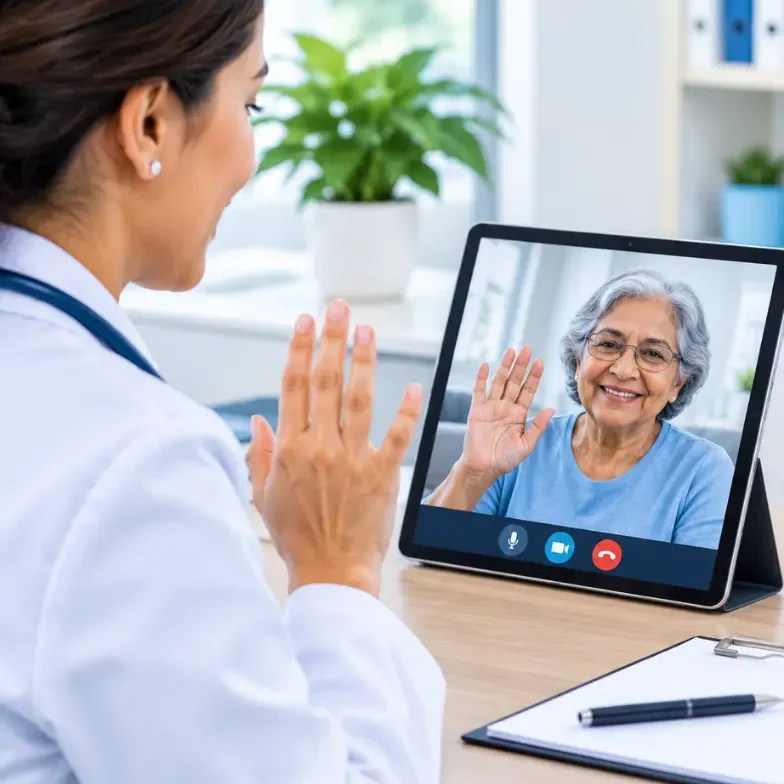
The care team starts a video call or sends a text message to check on the patient that day.
HumHealth logo
04

Care Plan Stays Current

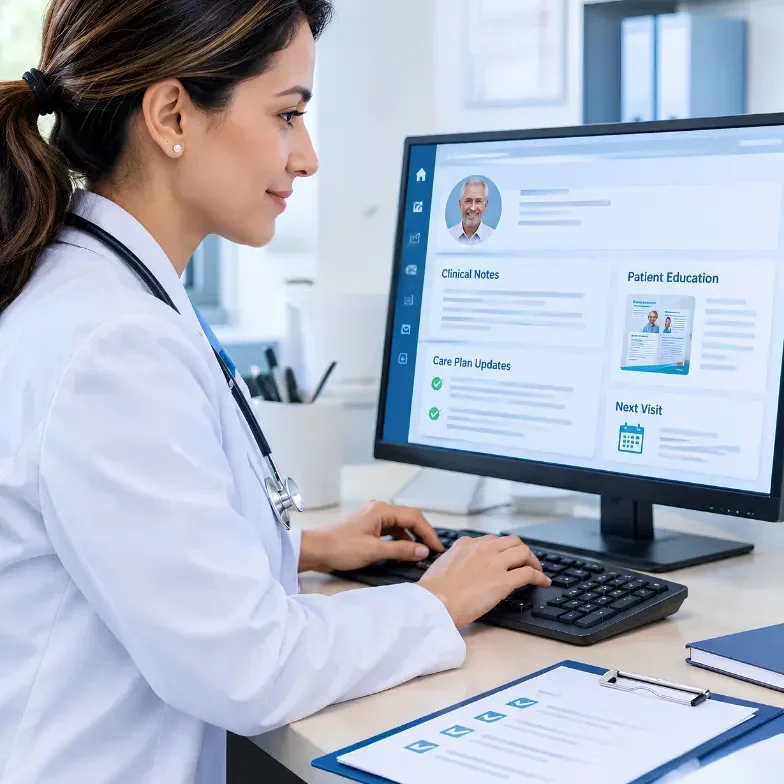
Notes are documented, education is sent, and the care plan is updated for the next visit.

FAQ

HumHealth Mobile App FAQs

Answers to common questions about the app for patients and care teams.

What is the HumHealth mobile app?

The HumHealth mobile app connects patients and care teams in remote patient monitoring and care management programs. Patients use it to take readings, follow their care plan and talk to their care team. Care teams use it to review vitals, act on alerts, contact patients and document their work.

What can patients do in the HumHealth app?

  • Take readings from HumHealth Bluetooth devices
  • View their care plan and progress
  • Answer assessment questions
  • Get reminders for scheduled care calls
  • See prescribed medications and set reminders
  • Join video calls and reply to text messages
  • Photograph meals for AI food evaluation

What can care teams do in the HumHealth app?

  • Video call and text message patients
  • Send educational materials to patients
  • Review each patient's care plan
  • Add documentation and notes
  • Review vitals and get abnormal reading alerts
  • Add 4G devices to a patient by scanning a QR code
  • Review patient meals and give diet recommendations

Can care teams video call patients from the app?

Yes. Care teams can start a video call with a patient from the app, and patients join from their own phone. Care teams can also text message patients between scheduled calls.

How do care teams add a 4G device to a patient?

Open the patient's profile in the app, choose to add a device and scan the QR code on the HumHealth 4G device. The device is linked to that patient, and its readings go to the patient's chart.

Which devices work with the HumHealth app?

Patients can pair HumHealth Bluetooth devices to send these readings:

  • Blood pressure
  • Blood glucose
  • Weight
  • SpO2 (pulse oximeter)
  • Temperature
  • ECG

Does the app alert the care team about abnormal readings?

Yes. When a patient's reading falls outside the normal range, the care team gets an alert notification in the app, so they can review it and follow up.

How does AI food evaluation work in the app?

Patients take a photo of their meal in the app. HumHealth AI identifies each food item and estimates the portion, calories, carbohydrates, protein and fat. The care team reviews the meal and gives the patient personalized diet recommendations. Nutrition values are estimates to support care team review and are not a diagnosis.

Is the HumHealth app available in Spanish?

Yes. The HumHealth app is available in English and Spanish.

What if a patient finds it hard to use a smartphone app?

Patients can use HumHealth 4G devices or the HumHealth 4G Gateway Hub, which send readings over the cellular network without a smartphone.

Do readings sent through the app count toward RPM billing?

Readings from a connected device can. Medicare RPM requires a device that meets the FDA definition of a medical device, with data collected and transmitted automatically. Readings a patient types in by hand do not count. Days with transmitted data count toward CPT Code 99445 (2 to 15 days) or CPT Code 99454 (16 or more days) in a 30-day period when all other requirements are met. See the RPM page for codes and rates.

How do we get the HumHealth app for our practice?

Book a demo. Our team will walk you through the patient app, the care team app and device setup for your program.