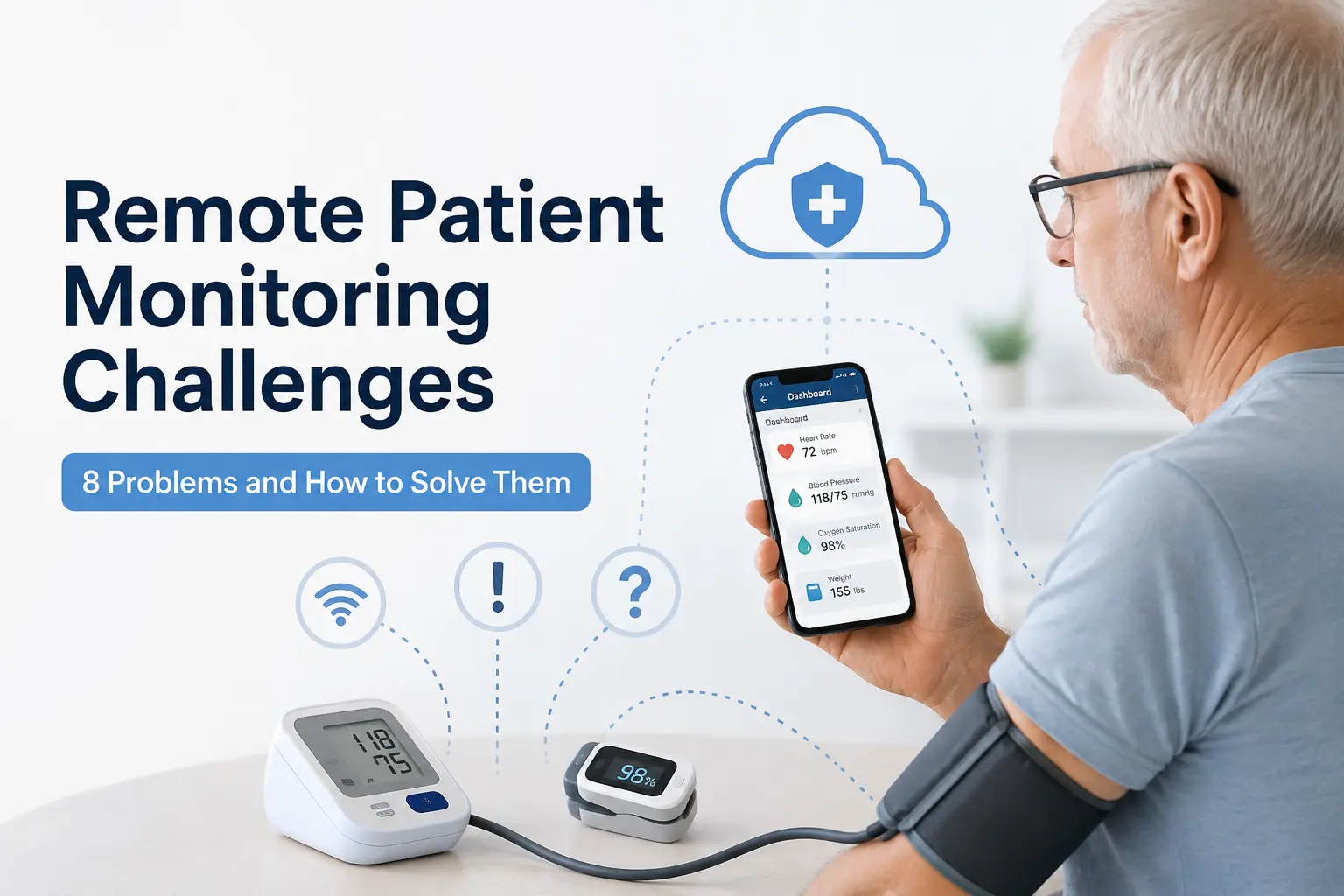
Remote Patient Monitoring sounds simple on paper: give a patient a Bluetooth blood pressure cuff, have them take a reading, and insurance pays you for keeping an eye on it. In practice, the programs that struggle usually aren’t struggling because the technology doesn’t work, they’re struggling because nobody planned for the operational side. Enrollment stalls. Patients stop taking readings after week three. A biller finds out in March that six months of time logs are unusable.
We work with solo and group practices, primary care and specialty clinics, healthcare service centers, and hospitals running remote patient monitoring (RPM) programs at very different scales, and the same handful of challenges come up again and again. These remote patient monitoring (RPM) implementation problems are usually operational rather than technical, the devices themselves tend to work fine. Below are the eight that matter most, along with what has actually worked to fix them using the right remote patient monitoring (RPM) software and the right workflows, not just generic advice about communicating more with patients.
| RPM Challenge | What Causes It | What Software or Workflow Should Do |
|---|---|---|
| Low enrollment | Patient uncertainty about the program | Enroll during the visit, simplify the pitch |
| Poor engagement | Missed or inconsistent readings | Automated reminders + a specific staff follow-up task |
| Device setup issues | Connectivity and technical friction | Cellular device options that skip pairing |
| Data overload | Too many readings to review manually | Threshold-based alerts, not raw reading lists |
| Documentation gaps | Manual, end-of-month time tracking | Automated activity and time logs |
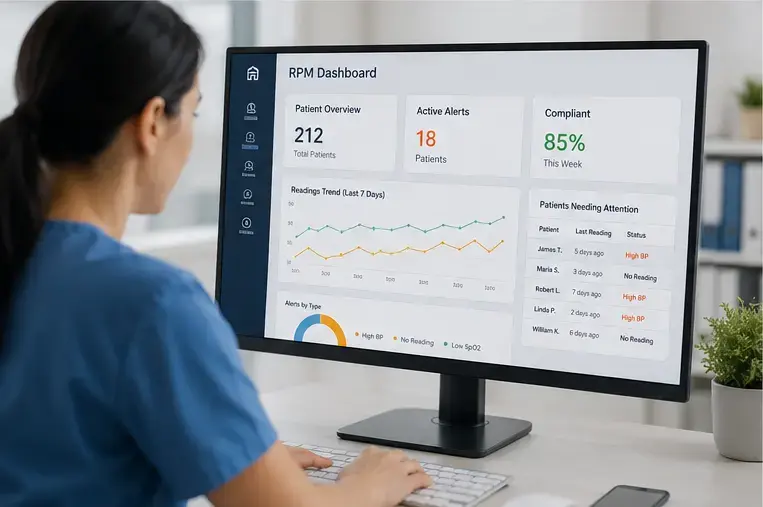
| Staff workload | Fragmented, manual workflows | A centralized dashboard and task routing |
| Multiple care programs | Separate systems for RPM, CCM, AWV | One platform across programs |
| Underbilling | Missed thresholds, incomplete logs | Regular billing-readiness review |
1. Low Patient Enrollment in Remote Patient Monitoring (RPM) Programs
This is usually the first wall practices hit. A patient hears “remote monitoring” and pictures something complicated, or they assume it costs extra out of pocket, or they simply don’t see the point if they’re not currently in crisis.
How to fix it: enrollment conversations that happen face-to-face, not over the phone after the visit. When a physician or MA hands a patient the device during the same visit where a chronic condition was just discussed (hypertension, diabetes, COPD), the connection between “why am I doing this” and “what’s wrong with me” is obvious. In our experience, practices that enroll during the visit see better uptake than practices that mail devices afterward. Framing also matters: patients respond better to “this lets your doctor catch problems between visits” than to “this is a new program we’re offering.”
2. Poor Patient Engagement and Compliance
Enrollment is the easy part compared to this one. A patient is excited for the first two weeks, then readings taper off, not because they’ve decided to quit, but because life gets in the way and nobody’s chasing them.
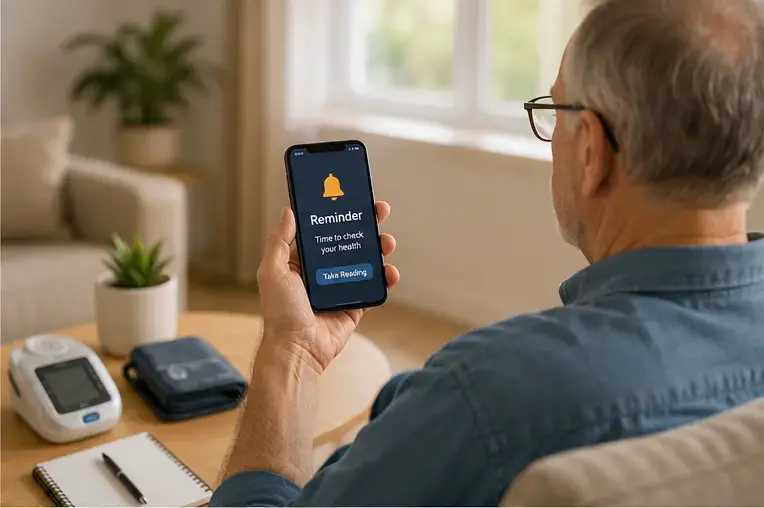
How to fix it: this is a workflow problem, not a motivation problem. Care teams need a daily or weekly view of who’s gone quiet, sorted by days-since-last-reading, so a quick check-in call happens before a gap becomes a pattern. Automated text or app reminders help, but they’re not a substitute for a human call when someone’s missed a week, especially with older patients, where a reminder text often just gets ignored. In our experience, practices that assign a specific staff task around this (“call anyone with 5+ missed days”), rather than leaving it to whoever notices, keep engagement noticeably higher.
3. Device Setup and Technical Issues
Bluetooth devices typically require a compatible smartphone or gateway to transmit readings, which can introduce additional setup and connectivity issues, particularly for patients who aren’t comfortable with mobile technology. Connectivity issues during setup are one of the most common reasons patients disengage from a program before it has a chance to show results, though tech-savvy patients typically get through this step without any trouble at all.
How to fix it: cellular-enabled (4G) devices remove that dependency entirely. The patient turns the device on, takes the reading, and it transmits directly over the cell network, no smartphone, no app, and no pairing step required. This is one of the areas where the right remote patient monitoring software makes a measurable difference in setup time and patient drop-off. For patients living alone or in a household with more than one RPM patient, a shared 4G gateway hub can cover multiple people on one connection, which also simplifies shipping and setup on the practice’s end.
4. Managing High Volumes of Patient Reading Data
A mid-sized remote patient monitoring (RPM) panel of 200 patients checking in daily generates thousands of data points a month. Reviewing all of it manually isn’t sustainable, and it’s also not clinically necessary, most of those readings are unremarkable.
How to fix it: platforms that flag only out-of-range readings and let care teams set custom thresholds per patient (a systolic BP of 150 might be routine for one patient and alarming for another). The goal is a dashboard that surfaces the five patients who need a call today, not a spreadsheet of 6,000 rows someone has to scroll through.
5. Documentation and Medicare Audit Compliance
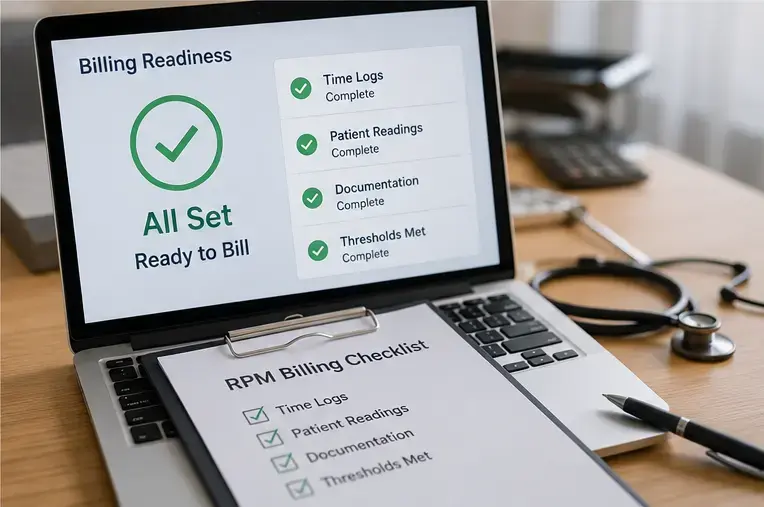
This is where a lot of otherwise well-run RPM programs lose money. Remote patient monitoring (RPM) reimbursement includes time-based components, and billable time generally needs a record that holds up if a payer requests it. An estimate reconstructed at the end of the month is a weaker record than one logged as it happened, tied to a specific patient and date. (Remote patient monitoring (RPM) billing rules involve specific CPT codes and monitoring-period requirements that go beyond the scope of this section, that detail is covered in our Medicare remote patient monitoring (RPM) billing guide.)
How to fix it: an automated timer tied to actual patient interactions, rather than staff estimating time at the end of the month. When the system logs call duration and chart review time as it happens, and ties each entry to the specific patient and date, the resulting record holds up under review and staff aren’t reconstructing timesheets from memory.
6. Staff Workload and Resource Constraints
Most primary care practices didn’t hire new staff to run remote patient monitoring (RPM); they added it to existing workloads. Without the right tools, that’s a fast path to burnout or a program that quietly stops getting attention.
How to fix it: centralizing the parts of the job that don’t need a human judgment call. RPM software that combines automated reminders, a single dashboard showing enrollment status, device activity, and time totals in one place, and task lists that route follow-ups to the right team member, reduces the number of screens and spreadsheets a care coordinator has to manage. In our experience, the practices with the least staff burnout are not necessarily the ones with the most staff, they’re the ones with the least manual work per patient.
7. Integrating RPM with CCM, AWV, and Other Care Management Programs
Very few practices run RPM in isolation. It usually sits next to Chronic Care Management, Annual Wellness Visits, and often Behavioral Health Integration, each with its own consent process, time tracking, and billing rules. Using separate RPM software for each program means staff re-enter the same patient information multiple times and switch between logins throughout the day.
How to fix it: a single platform that handles enrollment, device tracking, time logging, and billing across all of a practice’s care management programs, so a patient enrolled in both RPM and CCM has one well-documented record instead of two. This is less about any single feature and more about not making staff do the integration work by hand, a complete record in one place can reduce duplicate documentation and make it easier for care teams to coordinate follow-up.
8. Maximizing RPM Reimbursement
Even practices with strong clinical workflows sometimes under-bill. It happens through small gaps: a patient who almost qualified for an additional billable time bracket but the extra minutes never got logged separately, or a device that fell just short of a qualifying monitoring period under the applicable billing requirements.
How to fix it: regular internal review (monthly, not annually) of which patients hit each billing threshold and which fell just short. A billing report that surfaces this automatically, rather than requiring a biller to manually cross-reference time logs by hand, catches these gaps while there’s still time to fix them in the same billing cycle. CMS periodically updates its guidance on RPM billing, so it’s worth checking the current rules directly rather than relying on last year’s understanding of them; software that stays current with those changes reduces the risk of a claim that used to be valid becoming a denial.
How These RPM Fixes Work Together in Practice
None of these fixes are exotic. They come down to: make enrollment happen in the room, chase silence before it becomes a pattern, remove unnecessary technical friction, surface only the readings that matter, log time as it happens instead of reconstructing it later, centralize the manual work, run one system instead of five, and check your billing numbers monthly instead of finding out in an audit.
HumHealth’s RPM platform addresses these operational gaps with device integration, automated time tracking, threshold-based alerts, and shared workflows across RPM, CCM, AWV, and BHI. For practices evaluating RPM software, a demo can help determine whether those workflows fit their patient volume and staffing model.
Other Articles
Frequently Asked Questions
Patient engagement after the first few weeks is often the hardest problem to solve, enrollment and initial device setup are comparatively easier to get right. Building a specific staff workflow for catching missed readings early, rather than relying on automated reminders alone, tends to help programs retain more patients.
It depends on the device. Bluetooth devices typically pair with a smartphone or gateway to transmit readings, while cellular (4G) devices transmit directly over the cell network with no smartphone, app, or pairing step required, often the easier option for patients less comfortable with mobile technology.
Incomplete or unverifiable documentation can create billing problems, particularly when required monitoring data, time, or patient interactions aren’t properly recorded. Practices can reduce this risk by documenting qualifying activity as it occurs rather than reconstructing it at the end of the billing period.
Yes, most practices run RPM next to other care management programs, and using one platform for all of them avoids duplicate patient records and duplicate staff logins across separate systems.
At minimum, RPM software should handle device integration, automatic time tracking tied to real patient interactions, threshold-based clinical alerts, and enrollment tracking, the goal is to reduce manual staff work, not just digitize it.
Related Articles
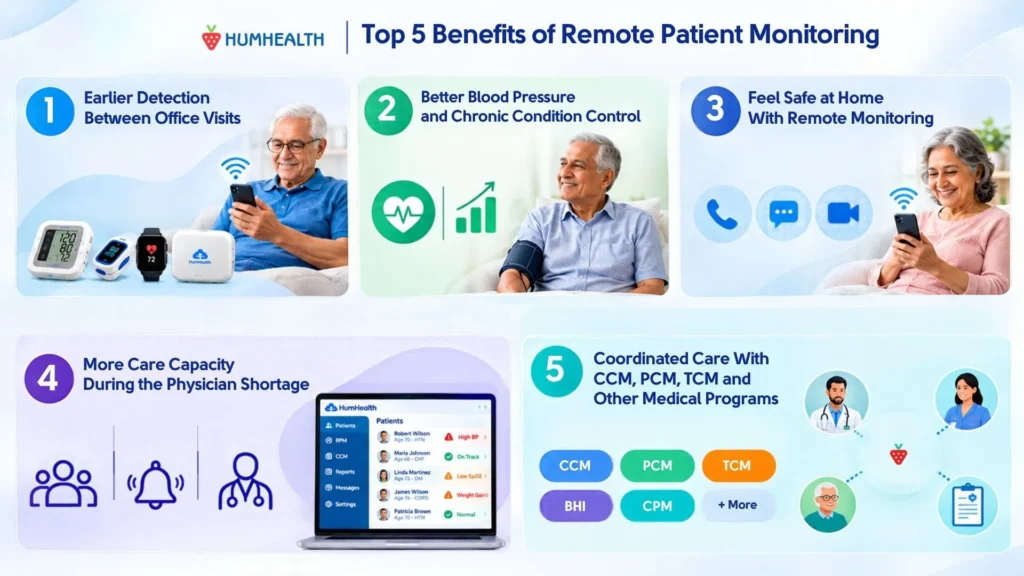
5 Benefits of Remote Patient Monitoring for Patients and Practices
The five main benefits of remote patient monitoring (RPM) are: 1. Earlier detection of health changes between office visits 2. Better blood…
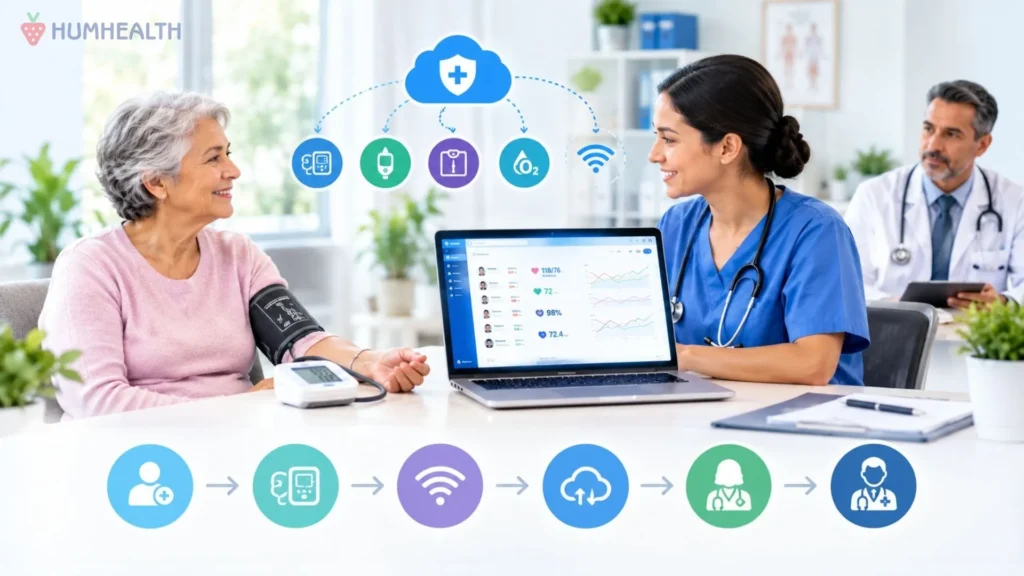
Remote Patient Monitoring for Independent Practices
Independent practices are built on long-standing patient relationships, direct physician involvement, and the ability to make operational decisions quickly. Those same qualities…
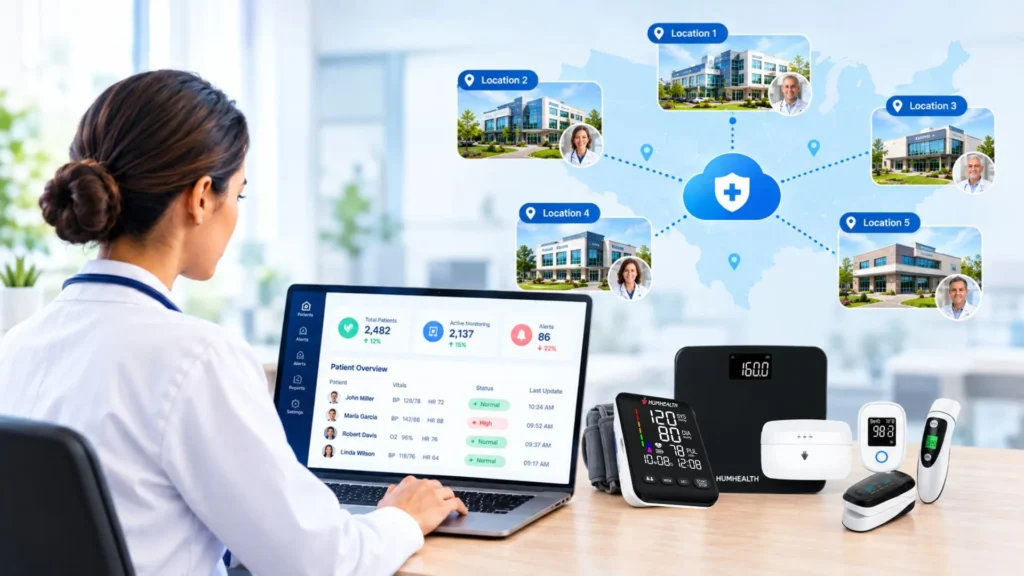
How Large Practices Can Launch Remote Patient Monitoring at Scale
A remote patient monitoring program that works well in a single clinic does not automatically work at a health system with a…