Published:
August 6, 2026 | 4 min readChoosing a Chronic Care Management (CCM) and Remote Patient Monitoring (RPM) software provider isn’t just an operational decision. It’s a growth decision!
Medicare reimbursement for these programs is updated annually, and CMS has consistently expanded what qualifies for payment in recent years.
The right software platform determines whether your practice actually captures that opportunity, or leaves revenue and patient outcomes on the table.
Here’s how to evaluate providers, and what real growth looks like once you get it right.
The Regulatory Landscape Keeps Shifting
Your Software Shouldn’t Have To
CMS reviews and updates the Physician Fee Schedule every year, and CCM and RPM have both been subject to meaningful changes since their codes were introduced.
Most recently, CMS released its proposed rule for the following payment year, which includes notable changes under consideration for RPM, including new requirements around who can furnish monitoring services and how those services may be billed.
These are still proposals, open for public comment, and not yet finalized policy.
This is exactly why the choice of software provider matters more than any single year’s rate table.
A platform that keeps pace with CMS rule changes, supports compliant documentation regardless of how billing requirements evolve, and doesn’t depend on a fragile third-party staffing arrangement gives your practice a durable foundation — one that isn’t disrupted every time CMS issues new rulemaking.
Practices relying on outsourced clinical staffing models for RPM should pay close attention to ongoing rulemaking in this area and consult their billing compliance team before making long-term commitments.
Recognizing the value an RPM platform can bring is only the first step.
The next challenge is evaluating which solution best aligns with your practice’s clinical, operational, and patient engagement goals.
How do you do this?
What to Look for in a CCM and RPM Software Provider

1. Automated, Audit-Ready Time Tracking
Reimbursement for both CCM and RPM programs is time-based, and the most common reason practices lose revenue is inaccurate or reconstructed time logs.
Look for software with a built-in automated timer that captures clinical staff time as it happens.
This protects revenue and reduces audit risk simultaneously, regardless of how billing codes shift year to year.
2. Multi-Program Support in One Platform
CMS allows certain care management programs to be billed concurrently for the same patient — for example, RPM alongside CCM or BHI — as long as time is tracked separately for each program and all program-specific requirements are met. (Some combinations, such as CCM and PCM, generally can’t be billed by the same practitioner for the same patient in the same month, so always confirm the rules for each pairing.)
Practices that stack eligible programs typically earn meaningfully more per patient per month than those running a single program.
Your software should support this natively, from one patient record, without duplicate data entry across systems.
3. Reliable Device Integration
RPM depends on consistent device data.
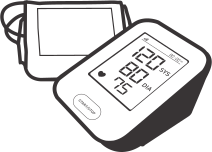
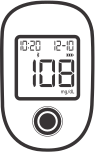
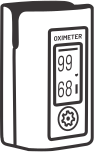
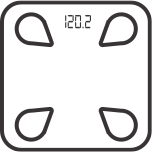
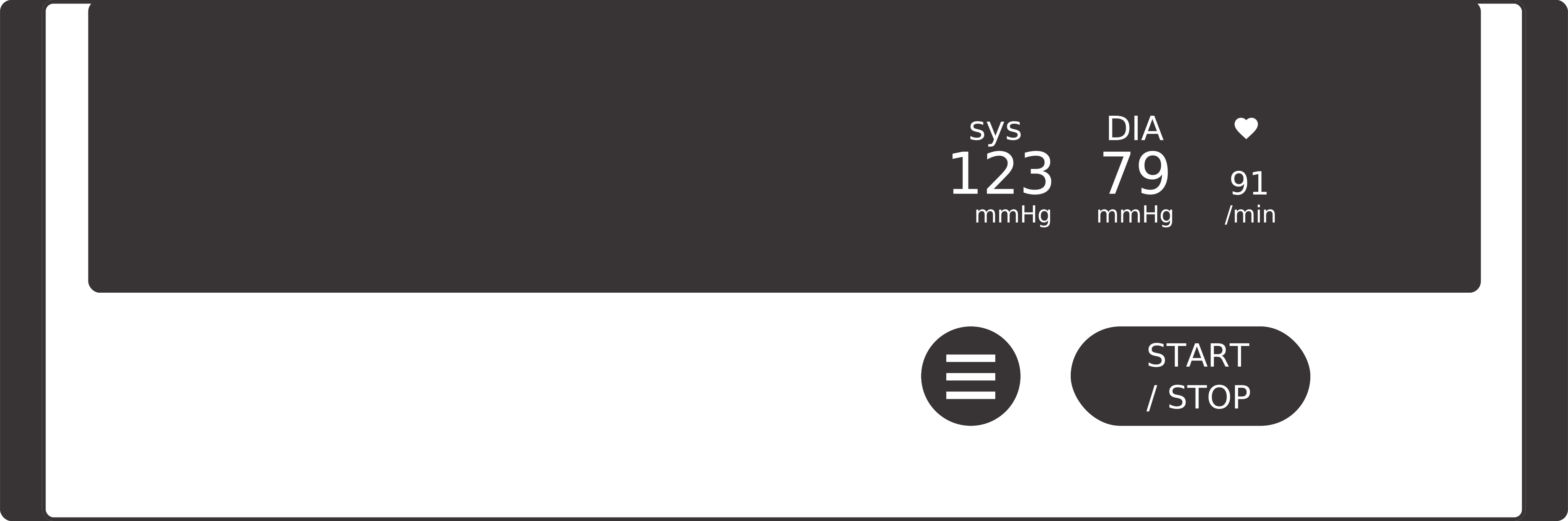
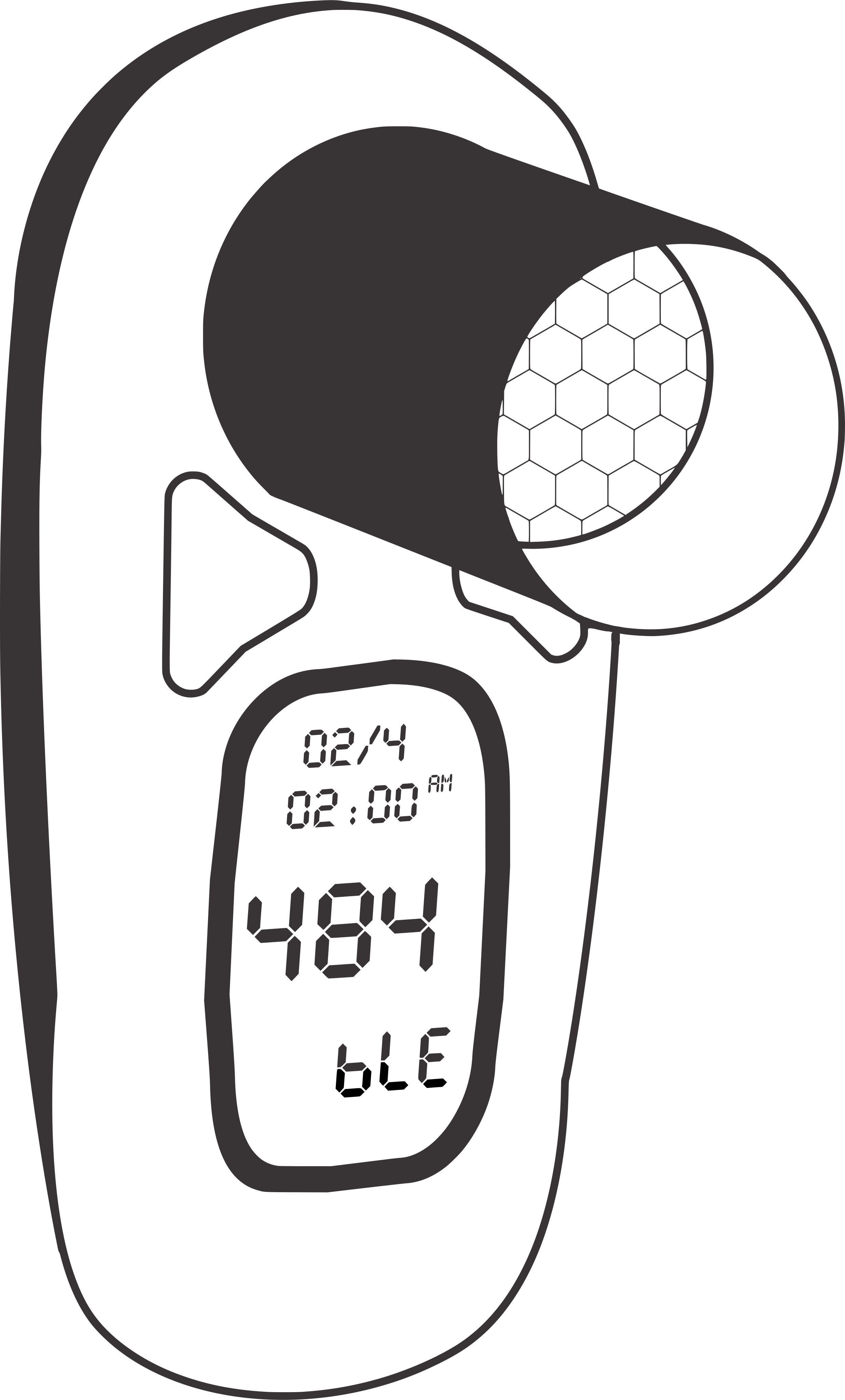
Confirm what Bluetooth and cellular (4G) devices are supported, whether readings transmit automatically, and how out-of-range vitals get flagged and routed to staff.
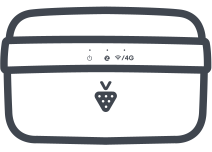
Flexible options like Bluetooth devices with a mobile app, a shared 4G gateway per household, or standalone 4G devices make it easier to fit monitoring to different patients, especially those who are older or less tech-comfortable.
4. Real Care Coordination, Not Just Billing Tools
The strongest platforms support the full clinical workflow: comprehensive care plans, care team messaging, video calling, and a patient mobile app.
Software built as a communication hub rather than a billing calculator tends to produce better patient retention — which matters, because retained patients are the foundation of any growth plan.
5. Transparent, Flexible Pricing
Watch out for hidden per-device fees, tiered licensing, or long-term lock-ins.
Month-to-month contracts with predictable pricing let a practice test and scale a program at its own pace, rather than committing before proving ROI.
6. Reporting and Risk Insight Tools
Beyond billing reports, look for HCC risk scoring and population health insights.
These help identify which patients are the best fits for CCM, RPM, or both.
They also support accuracy in value-based care contracts where risk adjustment directly affects reimbursement.
How the Right Software Actually Helps a Practice Grow

- New revenue with existing patient volume: the same patient panel becomes more valuable when more patients qualify for reimbursable programs and time is captured accurately.
- Lower staffing burden per patient: automation on timers, enrollment, and billing reports means existing staff can manage more patients without proportional headcount growth.
- Stronger patient retention: patients who feel actively monitored and supported between visits are less likely to switch practices, which compounds revenue over time.
- Room to add programs incrementally: a platform that already supports AWV, BHI, PCM, and RTM lets a practice expand its service line without adopting new software each time.
Lock In Now and Grow Your Practice for the Coming Years
Reimbursement rules for CCM and RPM will keep changing. That’s the nature of Medicare rulemaking.
What determines whether your practice grows or stalls isn’t a single year’s fee schedule, it’s whether your software captures time accurately, supports multiple programs, adapts to new requirements, and keeps your care team focused on patients instead of paperwork.
Look for a platform that suits practices of every size: small, medium, or large, since the real value comes from an easier, simpler workflow, not more complexity as you scale.
HumHealth’s all-in-one care management platform was built around exactly this: CCM, RPM, AWV, BHI, PCM, and more in a single connected workflow, with automated timers, real-time device tracking, and transparent month-to-month pricing, designed to work with your practice’s own care team.
Ready to see how it fits your practice? Request a demo or explore our CCM and RPM program pages.
Frequently Asked Questions
Look for automated, audit-ready time tracking, support for multiple Medicare programs in one platform, reliable Bluetooth and 4G device integration, real care-coordination tools, transparent month-to-month pricing, and reporting with risk insight. Because CCM and RPM reimbursement is time-based, the single most important feature is a built-in timer that captures clinical staff time as it happens, protecting revenue and reducing audit risk no matter how billing codes change year to year.
An RPM software platform is technology your own care team uses to enroll patients, monitor device data, document time, and bill, while a managed (outsourced) service hands the clinical monitoring to a third-party company’s staff. HumHealth is a software platform designed to work with your practice’s own care team, not an outsourced staffing model. This distinction matters more than ever in 2026, given proposed CMS changes to how remote monitoring may be staffed and billed.
Yes. CMS allows certain programs to be billed concurrently for the same patient, such as RPM alongside CCM or BHI, as long as time is tracked separately for each and all program rules are met. The best platforms support this natively from a single patient record without duplicate data entry, so practices can stack eligible programs and earn more per patient per month. Always confirm which combinations are billable, since some pairings (like CCM and PCM by the same practitioner) generally cannot be billed together in the same month.
CCM and RPM software is usually priced per patient, per month, but total cost depends on device fees, licensing tiers, and contract length, so watch for hidden per-device fees or long-term lock-ins. HumHealth offers transparent, month-to-month pricing with no long-term contracts, letting a practice test and scale a program at its own pace before proving ROI. Because CCM and RPM are Medicare-reimbursable, most practices offset software and device costs through monthly reimbursement.
No. Alongside Bluetooth devices that pair with a mobile app, HumHealth supports FDA-cleared 4G cellular devices that transmit readings automatically without a smartphone, app, or home Wi-Fi. This flexibility, including a shared 4G gateway per household or standalone cellular devices, makes it far easier to enroll and retain older or less tech-comfortable patients, who often struggle with app logins and syncing.