A remote patient monitoring program that works well in a single clinic does not automatically work at a health system with a dozen locations. The clinical logic is the same: enroll eligible patients, get devices into their hands, collect readings, and act on the data. What changes at scale is everything around that logic, including who owns the workflow, how the technology fits into existing systems, and how consistently the program runs from one site to the next.
Large practices and multi-site health systems considering RPM tend to run into a different set of obstacles than a small or medium clinic launching its first program. This guide focuses on those obstacles specifically. If you’re evaluating RPM for a single-location practice, our guide on how small and medium sized clinics can launch remote patient monitoring covers the getting-started basics more directly.
Why Scale Changes the RPM Rollout
In a single clinic, one physician or office manager can usually decide to start RPM, pick a vendor, and have the front desk begin enrolling patients within a few weeks. At a health system or multi-site group practice, that same decision touches clinical leadership, IT, compliance, billing, and often several department heads who each have their own priorities and existing workload.
The technology also has to work across more variation. Different sites may serve different specialties and want different device types, and patient populations can vary enough between locations that a one-size-fits-all workflow doesn’t hold up. None of this makes RPM harder to justify clinically or financially. It changes what has to happen before the first patient at scale gets enrolled.
Get Cross-Functional Buy-In Early
The organizations that struggle most with RPM rollouts are usually the ones where a single department champions the program without early input from the groups that will have to support it long term. Billing needs to understand how RPM claims will be documented and submitted before go-live, not after the first billing cycle raises questions. Clinical leadership needs visibility into how alerts, escalations, and monitoring dashboards will fit into existing care team workflows at each site. Compliance needs to confirm how patient consent, device supply, and time-tracking documentation will be handled consistently across sites.
Bringing these stakeholders in during the evaluation stage, rather than after a vendor is chosen, tends to surface the real constraints early. It’s a much easier conversation to have before a contract is signed than after a rollout stalls at site three because a requirement nobody raised turns out to be a blocker.
Decide on Centralized or Distributed Staffing
One of the first operational decisions a large practice has to make is who actually does the RPM monitoring work: reviewing readings, following up on alerts, and logging the time that supports billing.
A centralized model puts this work with one team, often a dedicated care management group, that monitors patients across every site from a single workflow. This tends to produce more consistent documentation and makes it easier to track billing compliance, since one team is applying the same standards everywhere. The tradeoff is that centralized staff have less day-to-day familiarity with any single site’s patients or providers.
A distributed model keeps monitoring closer to each site or clinical team, which can mean faster, more personalized follow-up but makes standardization harder to enforce. Some health systems land on a hybrid: a central team handles routine monitoring and documentation, while site-based clinical staff handle escalations that need in-person or provider-specific follow-up.
There isn’t a universally correct answer here. The right model depends on staffing capacity, how the organization is already structured, and how much variation in care approach is acceptable across sites.
Standardize Devices and Connectivity Across Every Site
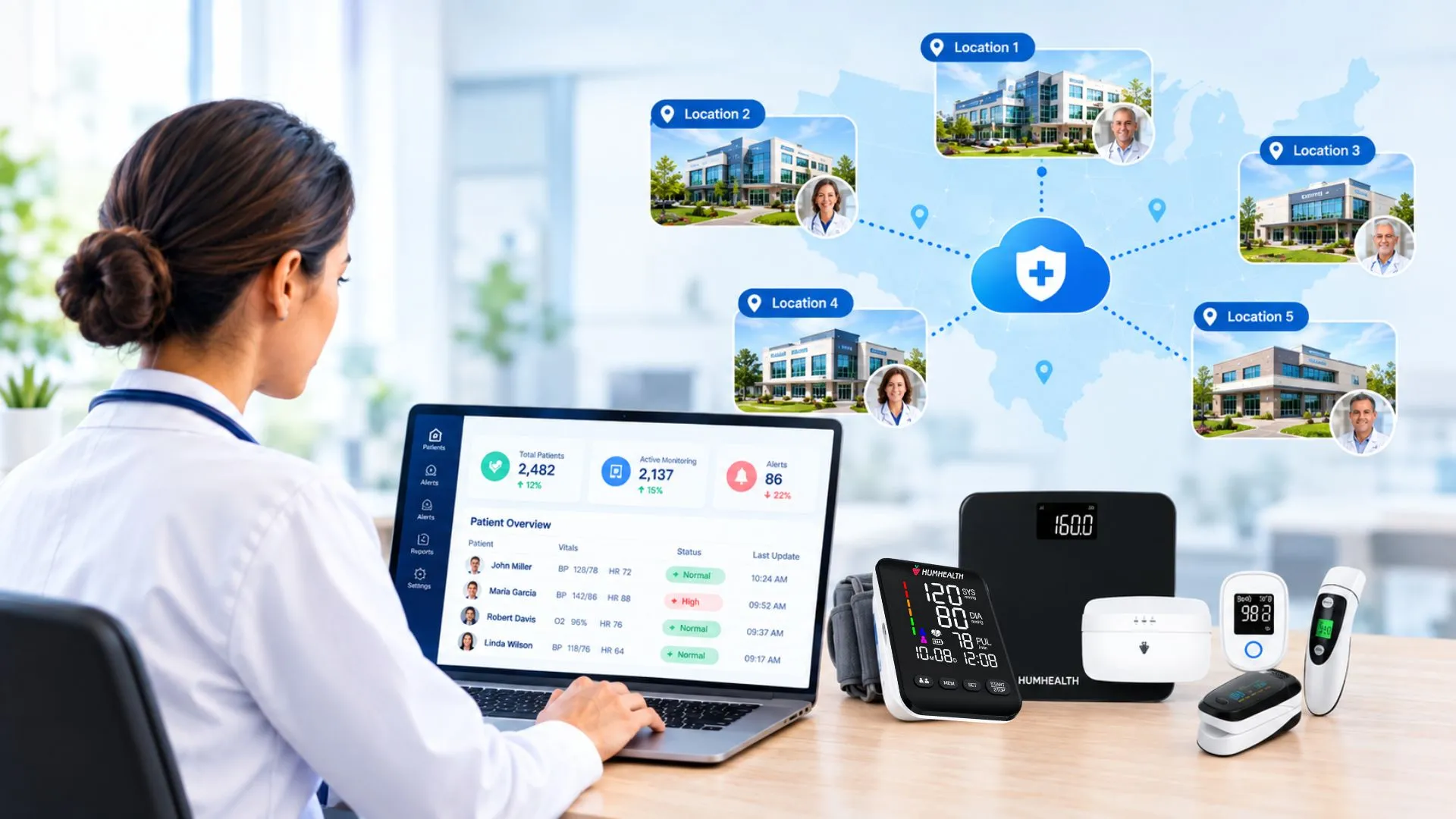
A pilot site with one device type and one connectivity method can make a rollout look simpler than it actually is at full scale. Larger organizations often serve patients with different levels of tech access and different clinical needs across locations, which means the device mix, from Bluetooth-enabled monitors to cellular-connected devices, has to be planned deliberately rather than left to each site to figure out on its own.
This is worth confirming directly with any RPM vendor before rollout: can the platform supply and support the same range of devices, at the same service level, to every location, or only to the site where the program started? Consistent device logistics and connectivity options across sites keep the patient experience uniform and prevent one location from quietly running a different version of the program than the rest of the organization.
Standardize Documentation Early
Inconsistent documentation across sites is one of the most common problems that surfaces once an RPM program grows past its pilot phase. If one site is following a different process for logging device setup, patient education, or monthly monitoring time than another, that inconsistency becomes a billing and audit risk as volume increases, particularly against CMS’s remote patient monitoring documentation requirements.
Building a single, standardized documentation workflow before expanding past the pilot site, and training every location against that same standard, is much easier than retrofitting consistency after several sites have already developed their own habits.
Roll Out in Phases
Large-scale RPM launches tend to go better as a phased rollout than a simultaneous one across every site. Starting with one or two locations that have engaged clinical champions lets the organization work through device logistics, staffing model questions, and documentation gaps on a smaller scale before those same issues would otherwise surface everywhere at once.
Each phase should feed lessons into the next. If a workflow issue slows enrollment at the first site, that fix should be built into the standard process before site two goes live, not discovered independently at every location.
What to Look For in an RPM Platform at Scale
A platform that works well for a single clinic does not always hold up across a multi-site rollout. For larger organizations, a few capabilities matter more than they do at smaller scale:
- Centralized reporting that gives administrators visibility into enrollment, billing, and alert response across every location
- Flexible staffing support, so the platform works equally well for a centralized monitoring team or a distributed one
- Scalable device logistics that can supply and support patients across many locations without manual, site-by-site coordination
- Consistent device connectivity, whether that’s Bluetooth or cellular, so patients at every site get the same setup experience
For the platform and device specifics behind an RPM program, including supported CPT codes and reimbursement details, see our remote patient monitoring software page. For the financial case at scale, see how much revenue clinics can generate from remote patient monitoring.
Other Articles
Frequently Asked Questions
The clinical workflow is largely the same. The difference is coordination: cross-departmental stakeholder alignment, standardized device logistics, and consistent documentation become necessary at scale in ways a single-location practice usually doesn’t need to plan for upfront.
Both models work. Centralized monitoring tends to produce more consistent documentation and billing compliance across sites. Distributed monitoring can offer more personalized, site-level follow-up. Many health systems use a hybrid of the two.
It should, but only if devices, connectivity, and documentation are standardized before the rollout expands. This should be confirmed for every site involved, not assumed from the pilot location alone.
Timelines vary by organization size and site count, but a phased rollout, starting with one or two sites before expanding, is generally more reliable than launching everywhere simultaneously.
Related Articles
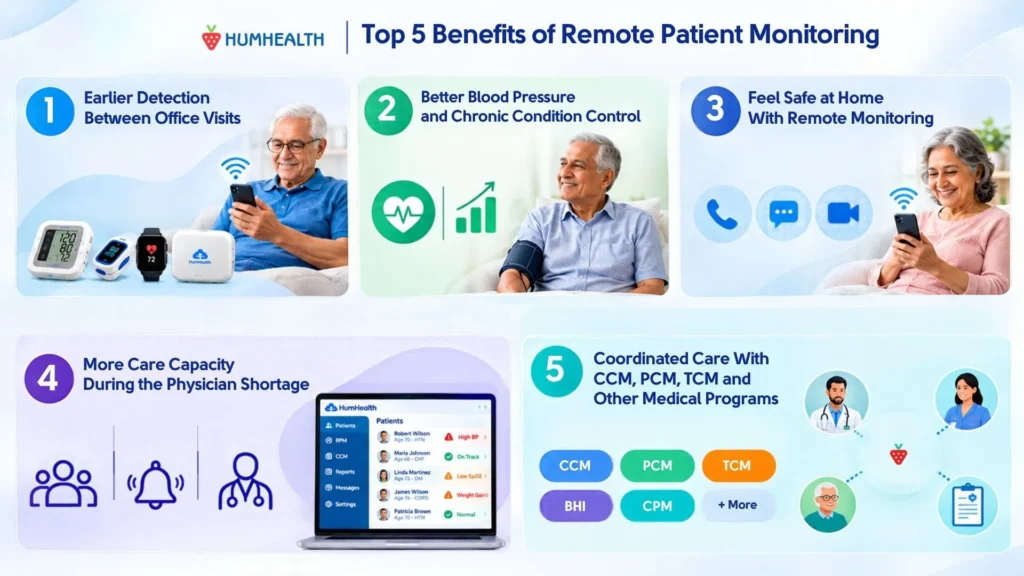
5 Benefits of Remote Patient Monitoring for Patients and Practices
The five main benefits of remote patient monitoring (RPM) are: 1. Earlier detection of health changes between office visits 2. Better blood…
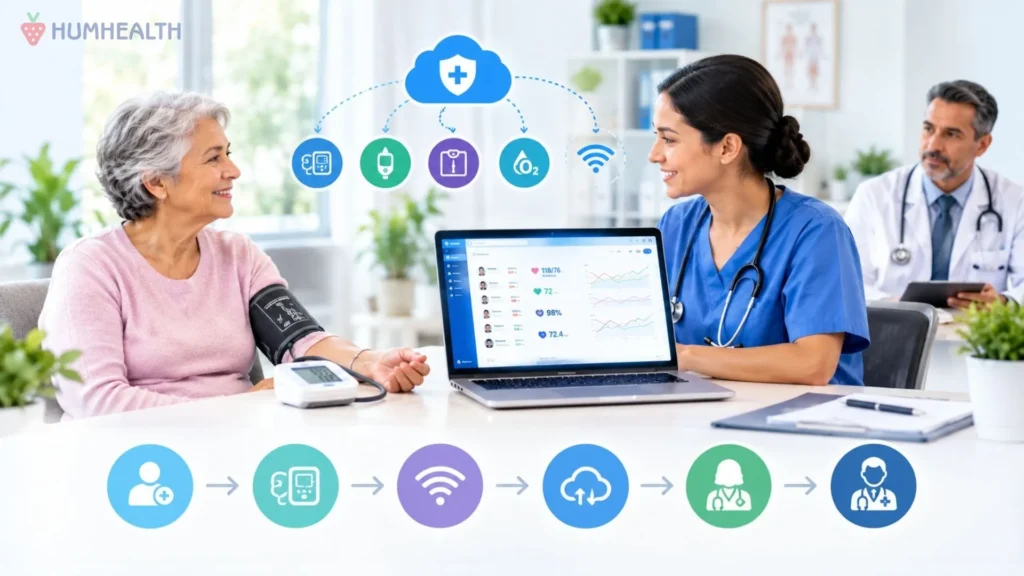
Remote Patient Monitoring for Independent Practices
Independent practices are built on long-standing patient relationships, direct physician involvement, and the ability to make operational decisions quickly. Those same qualities…
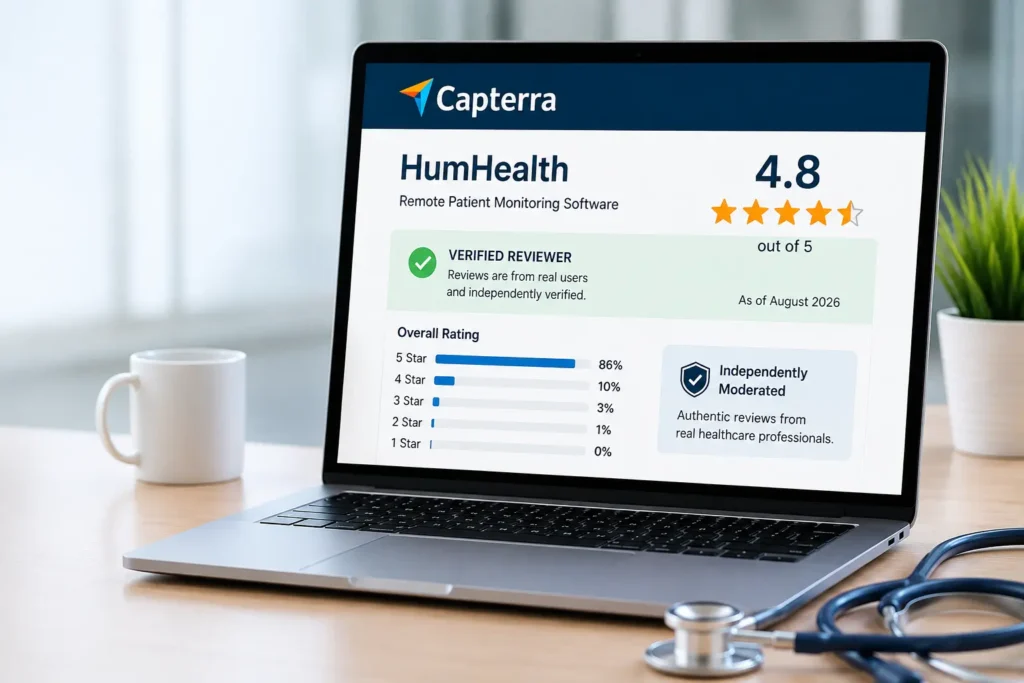
How to Evaluate Remote Patient Monitoring Software: What Real Capterra Reviews Show
If you're researching the best remote patient monitoring software in 2026, you've probably seen plenty of comparison articles, feature lists, and vendor…